> ## Documentation Index
> Fetch the complete documentation index at: https://superflow-claude-superflow-mcp-docs-distribution-b0cixg.mintlify.site/llms.txt
> Use this file to discover all available pages before exploring further.
# How to search comments
## How to Search Comments
In this article, you will learn how to use the Search Bar to narrow down your comment search.
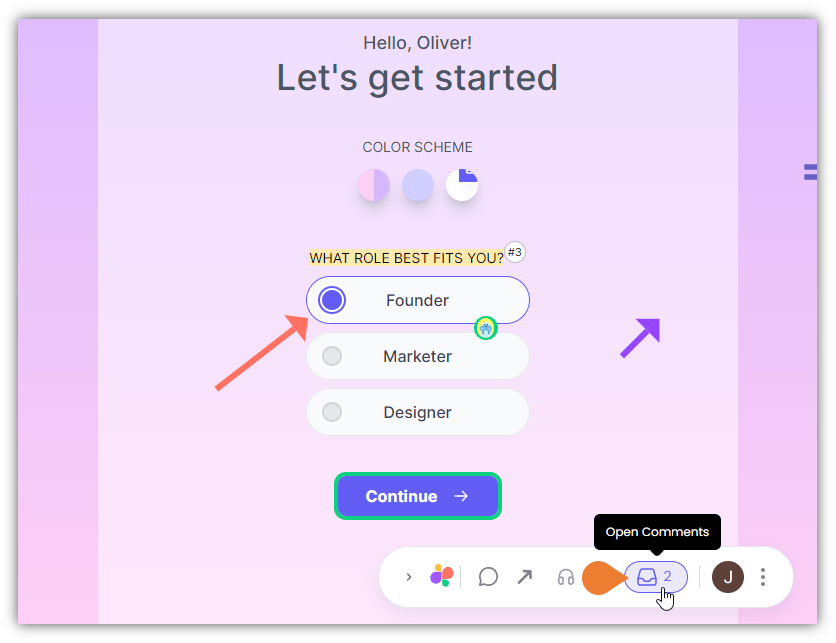
1. Find the **Superflow Toolbar** and click the **Open Comments** icon.
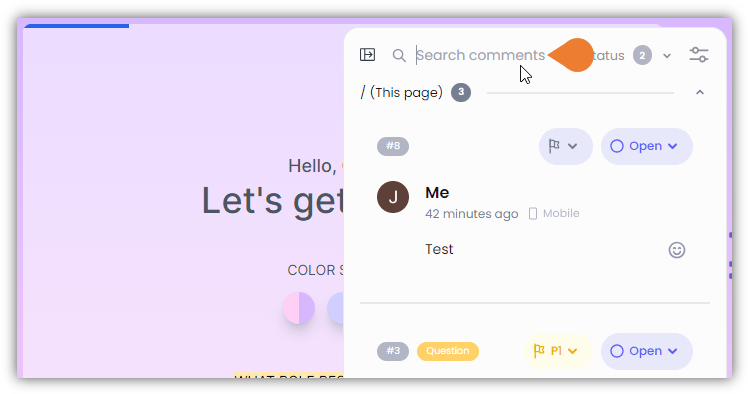
 2. The **Comments Sidebar** opens. On the top of the **Comments Sidebar**, find and click the **Search comments** field.
 3. In the **Search comments** field, enter the comment keyword.
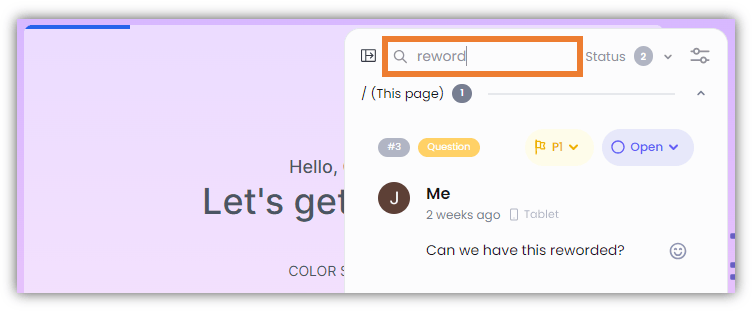 4. When you start typing the keywords, the **Comments Sidebar** automatically displays related search results.